
Blog
Field notes from building DesignSetGo Apps.
Page 6 of 7. Design rationale, release notes, and the occasional aside.
-
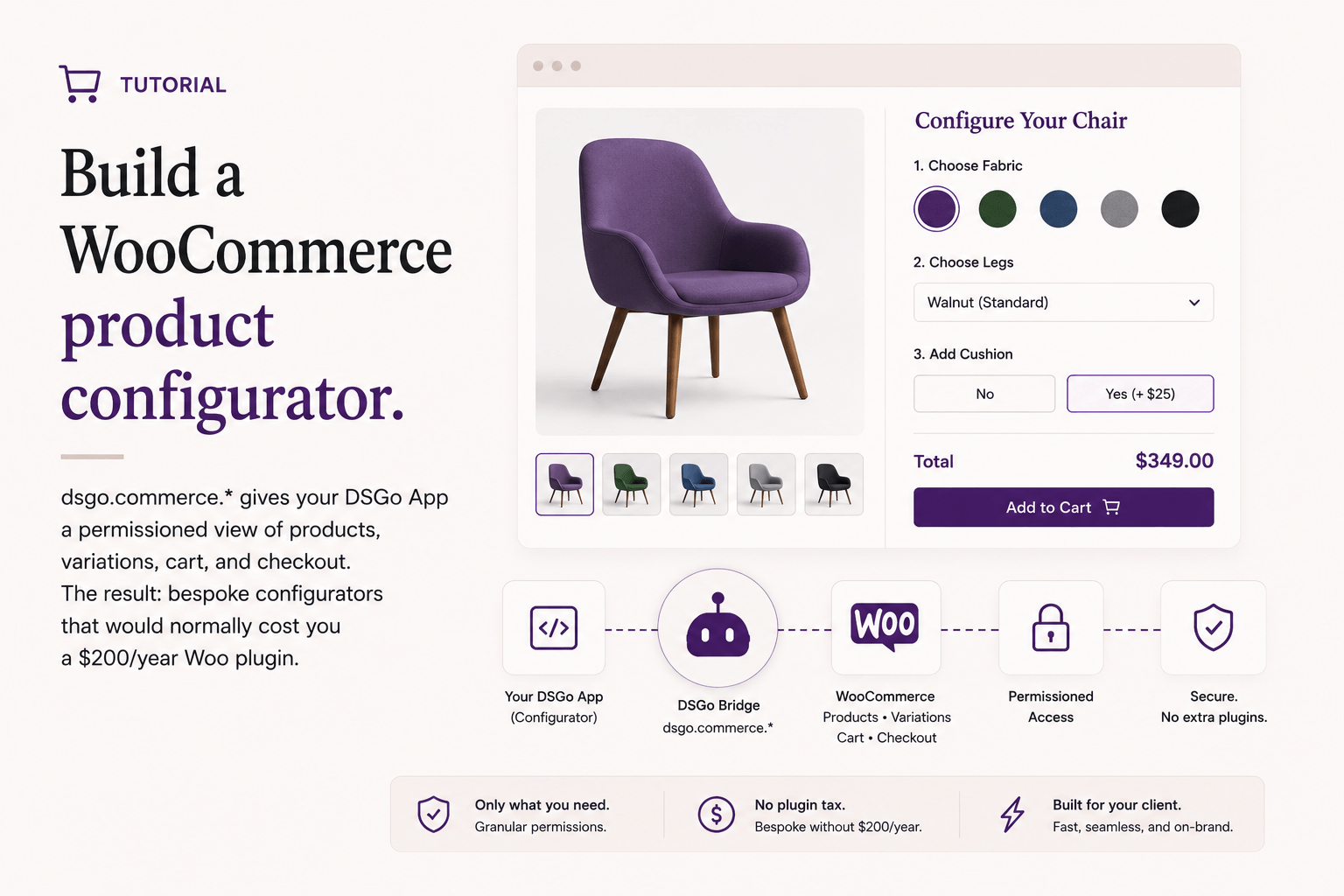
Build a WooCommerce product configurator
Read post →dsgo.commerce.* gives your DSGo App a permissioned view of products, variations, cart, and checkout. The result: bespoke configurators that would normally cost you a $200/year Woo plugin.
-

Build a recipe ranker that uses the AI bridge
Read post →First app in this series that calls dsgo.ai.prompt. The site’s configured WordPress 7.0 Connector handles inference; your bundle never sees an API key.
-
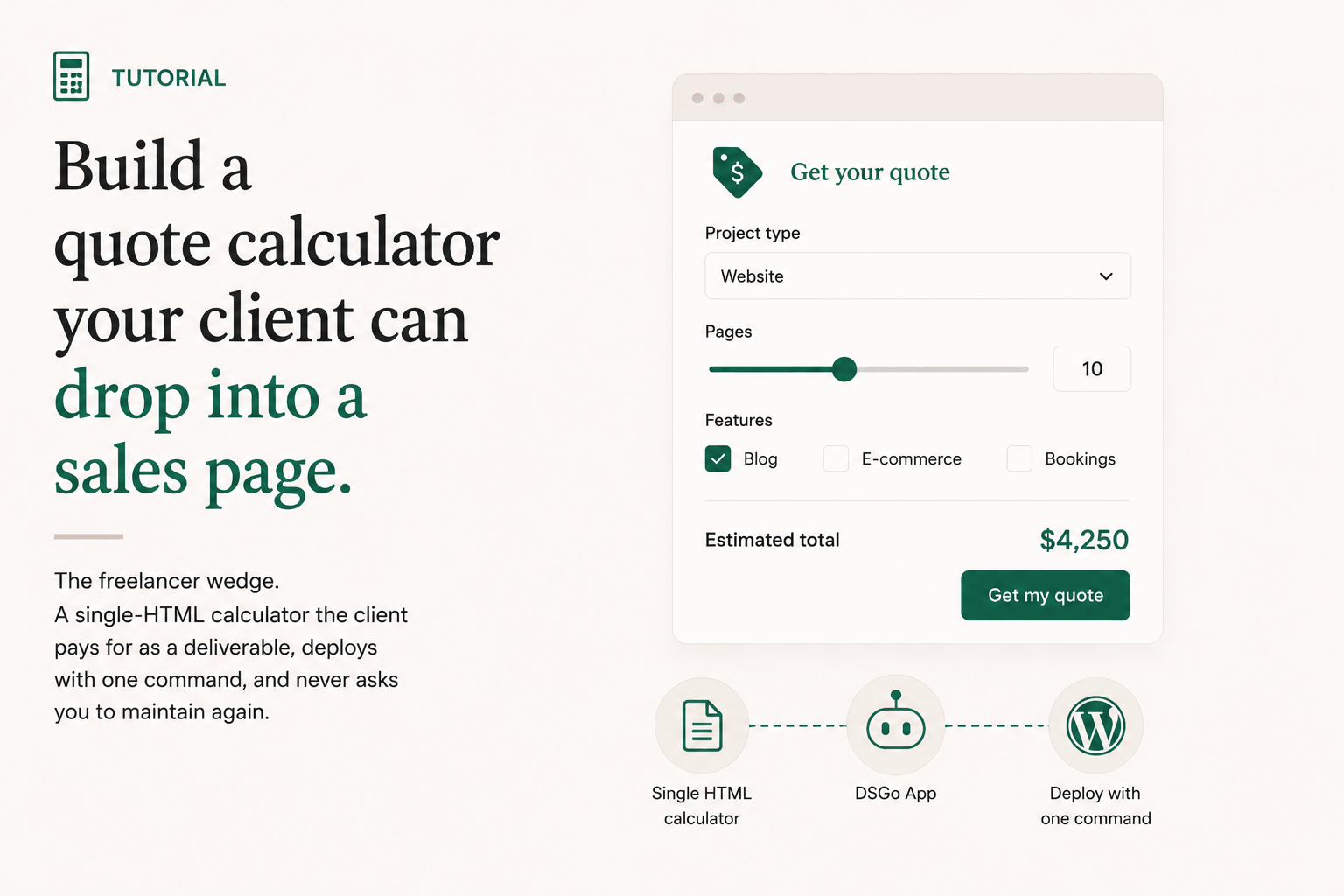
Build a quote calculator your client can drop into a sales page
Read post →The freelancer wedge. A single-HTML calculator the client pays for as a deliverable, deploys with one command, and never asks you to maintain again.
-
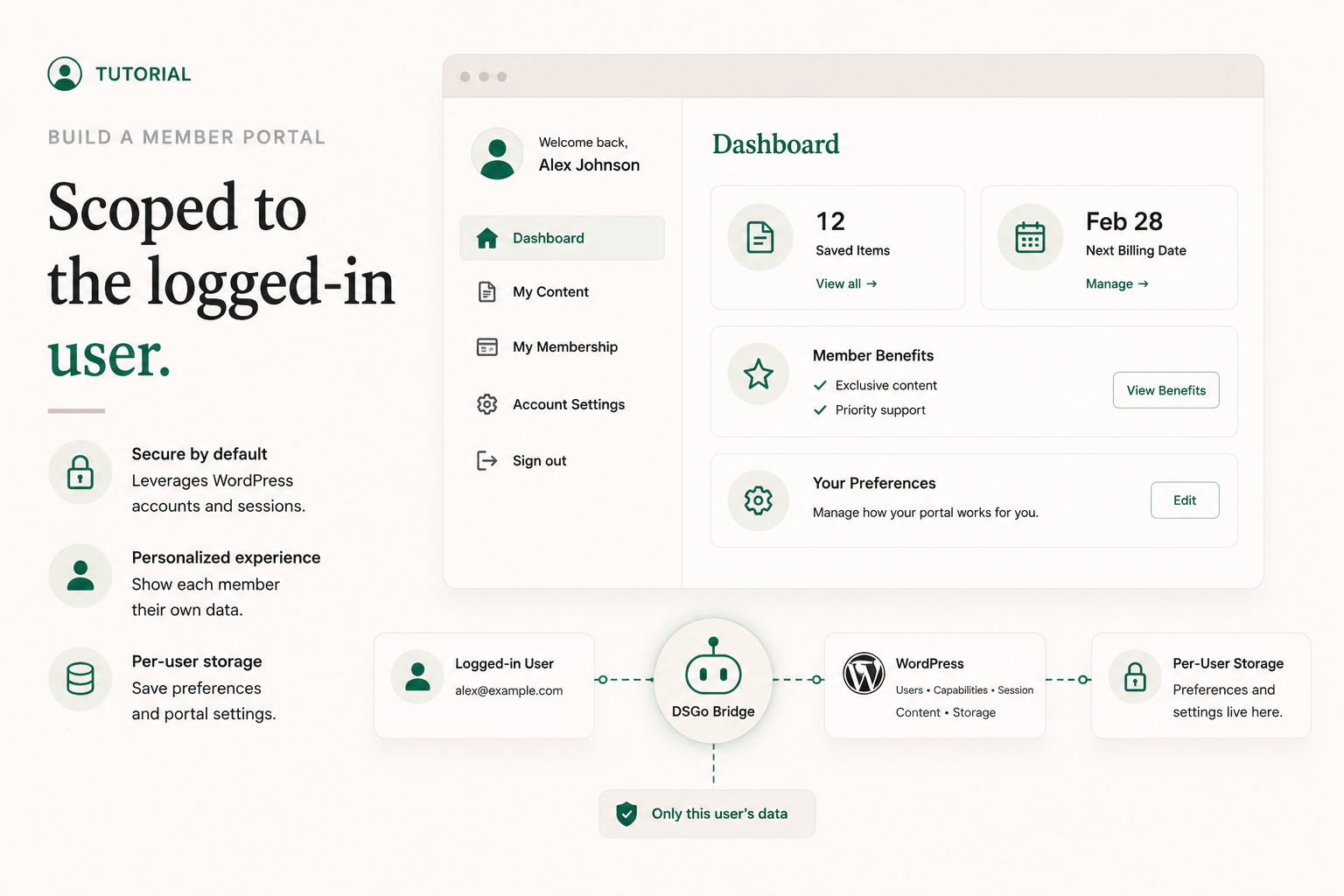
Build a member portal scoped to the logged-in user
Read post →dsgo.user.current(), dsgo.user.can(), and dsgo.storage.user.* are enough to build a real members-only dashboard without rolling auth, sessions, or a third-party identity provider.
-
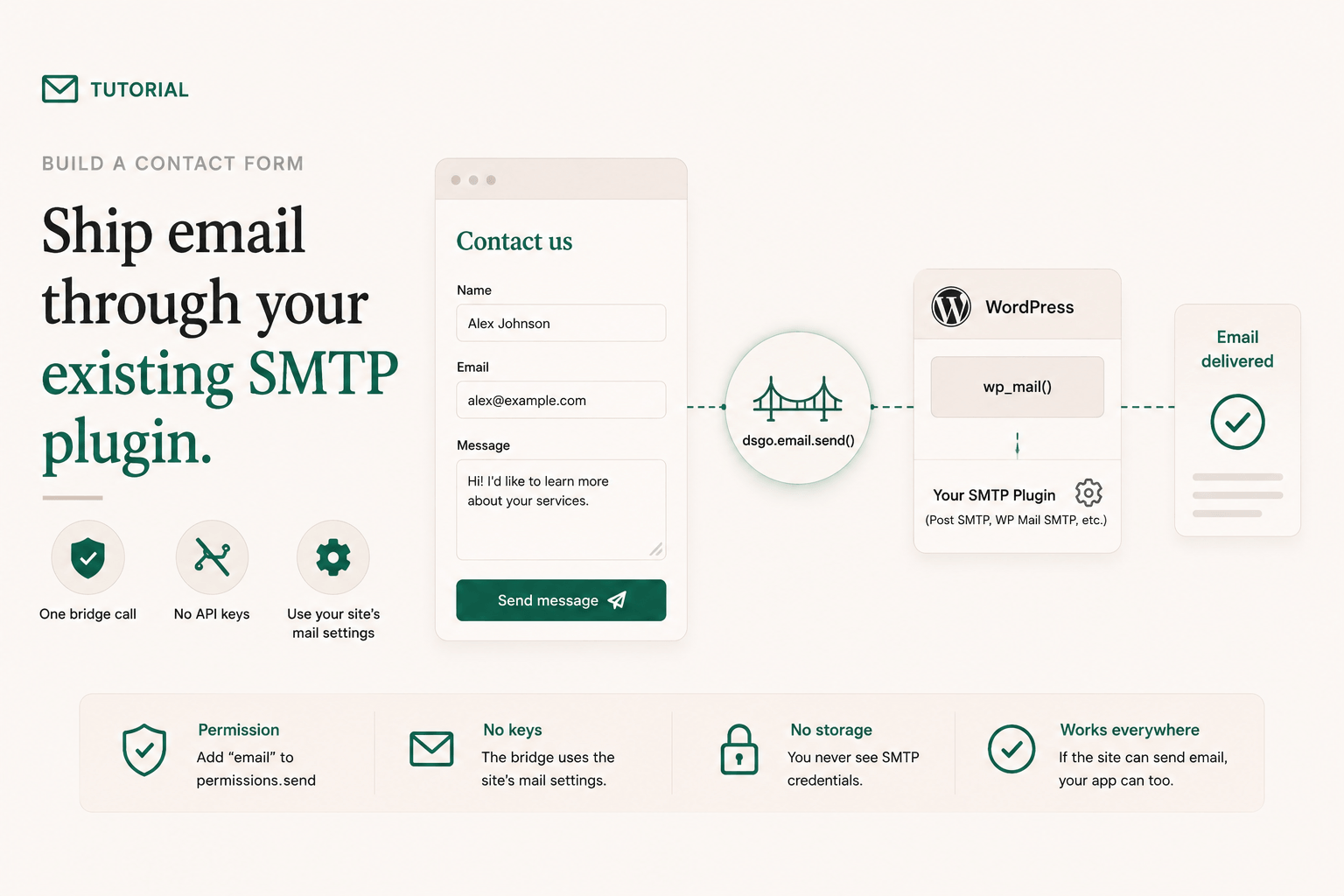
Build a contact form that ships email through your existing SMTP plugin
Read post →The contact-form plugin space is one of WordPress’s most reinvented categories. With dsgo.email.send and a sandboxed bundle, you replace the entire genre with about 40 lines of code.
-
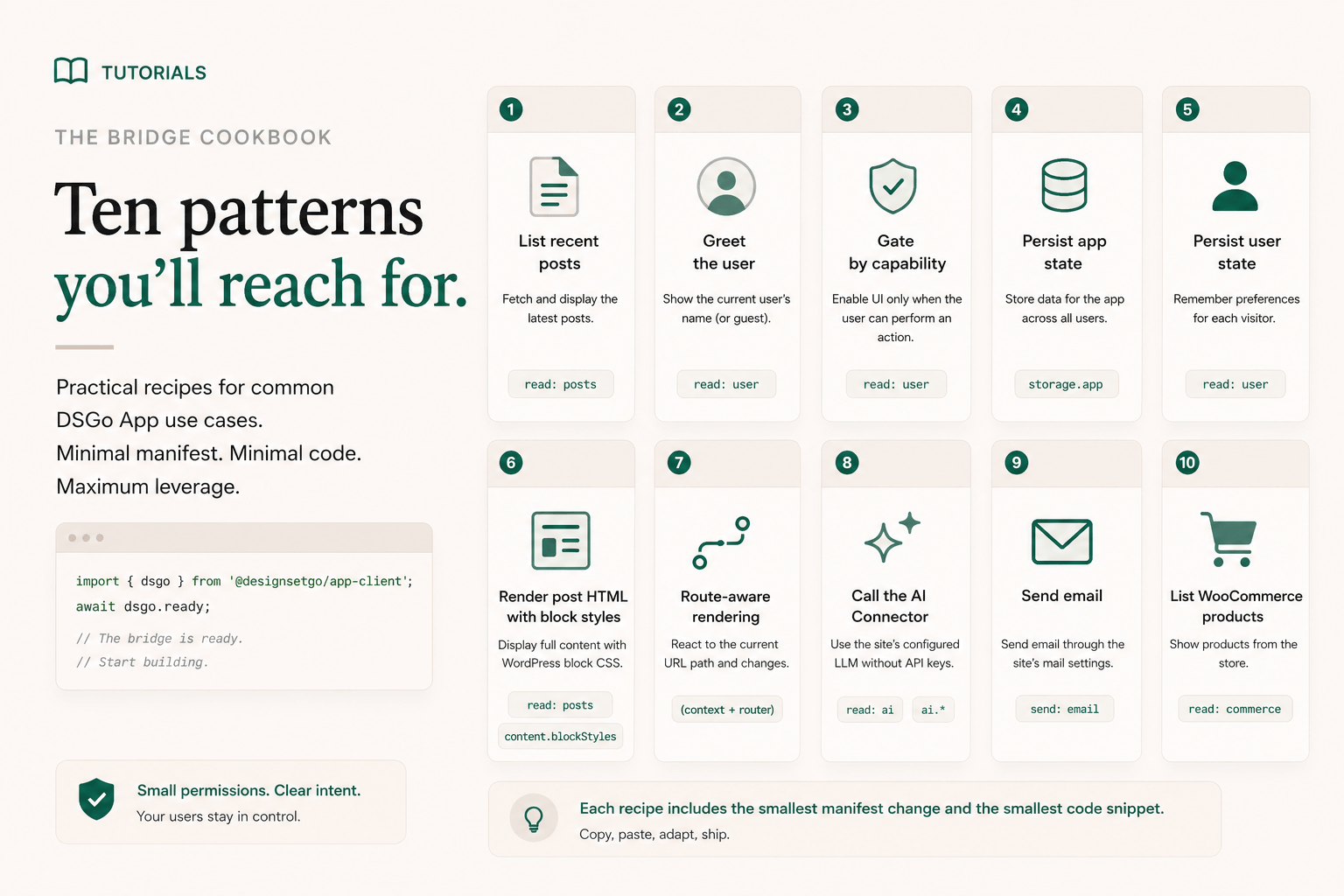
The bridge cookbook: ten patterns you’ll reach for
Read post →Reference docs are great when you know what you’re looking for. This post is the patterns half: ten concrete bridge recipes, each one short enough to copy, with the manifest delta you’ll need to make it work.
-
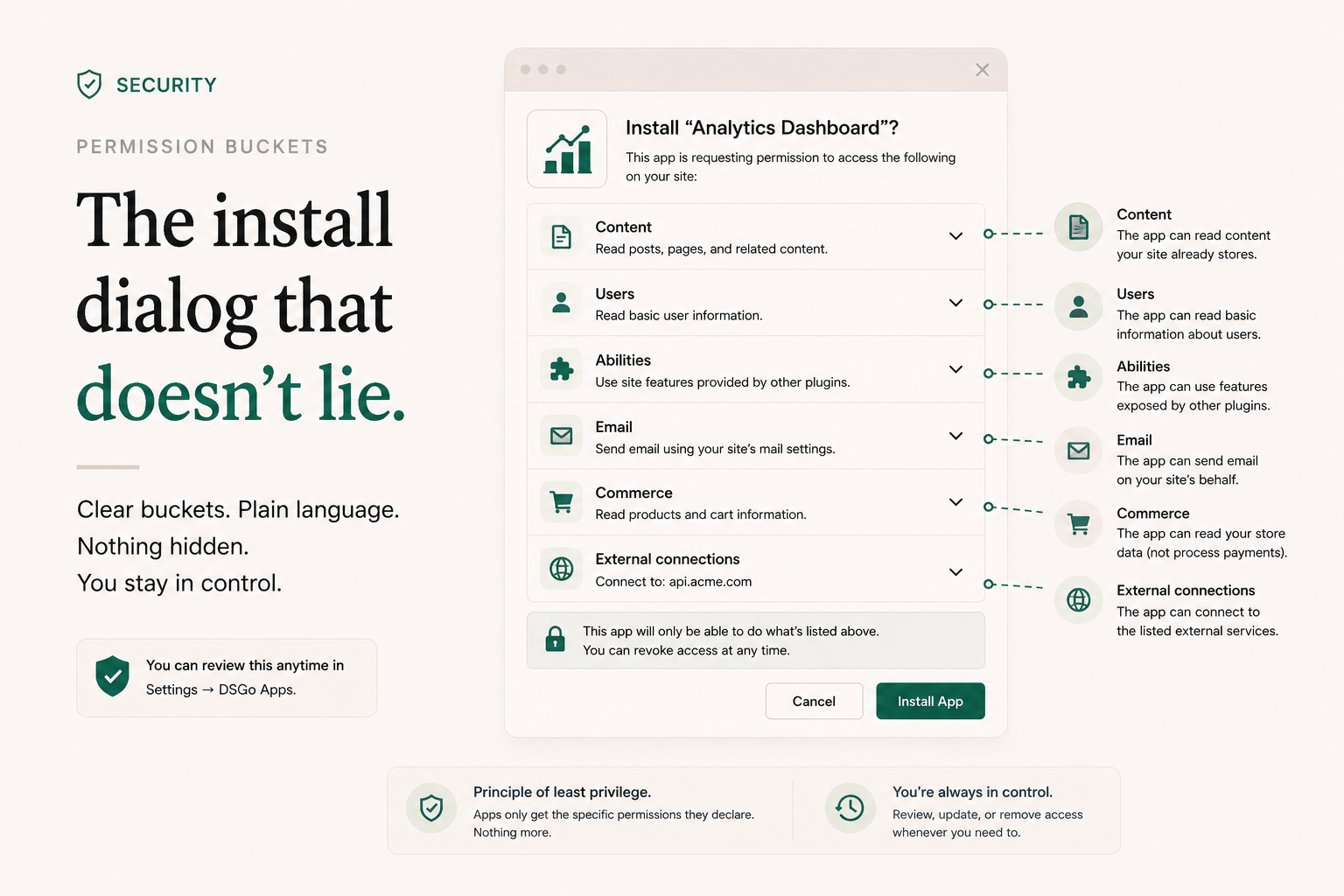
Permission buckets: the install dialog that doesn’t lie
Read post →An app’s manifest can list a dozen technically-precise permission strings. The site owner installing it doesn’t read those. Here’s how DSGo Apps groups them into seven plain-English buckets, and the design choices behind the grouping.
-
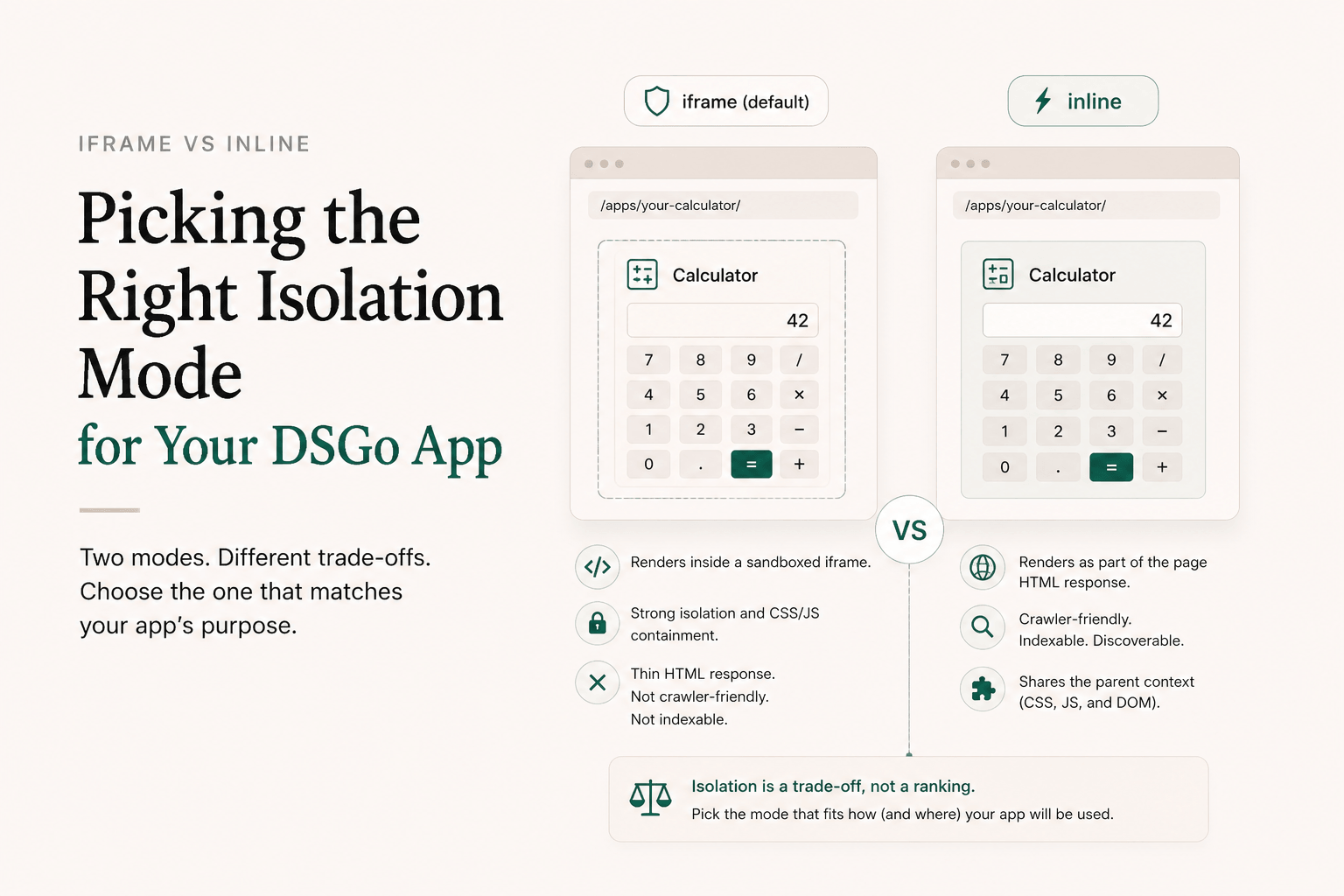
Iframe vs inline: picking the right isolation mode for your DSGo App
Read post →DesignSetGo Apps run in two modes. Iframe is the default, and the right call most of the time. Inline is what you reach for when the page needs to show up in search.
-
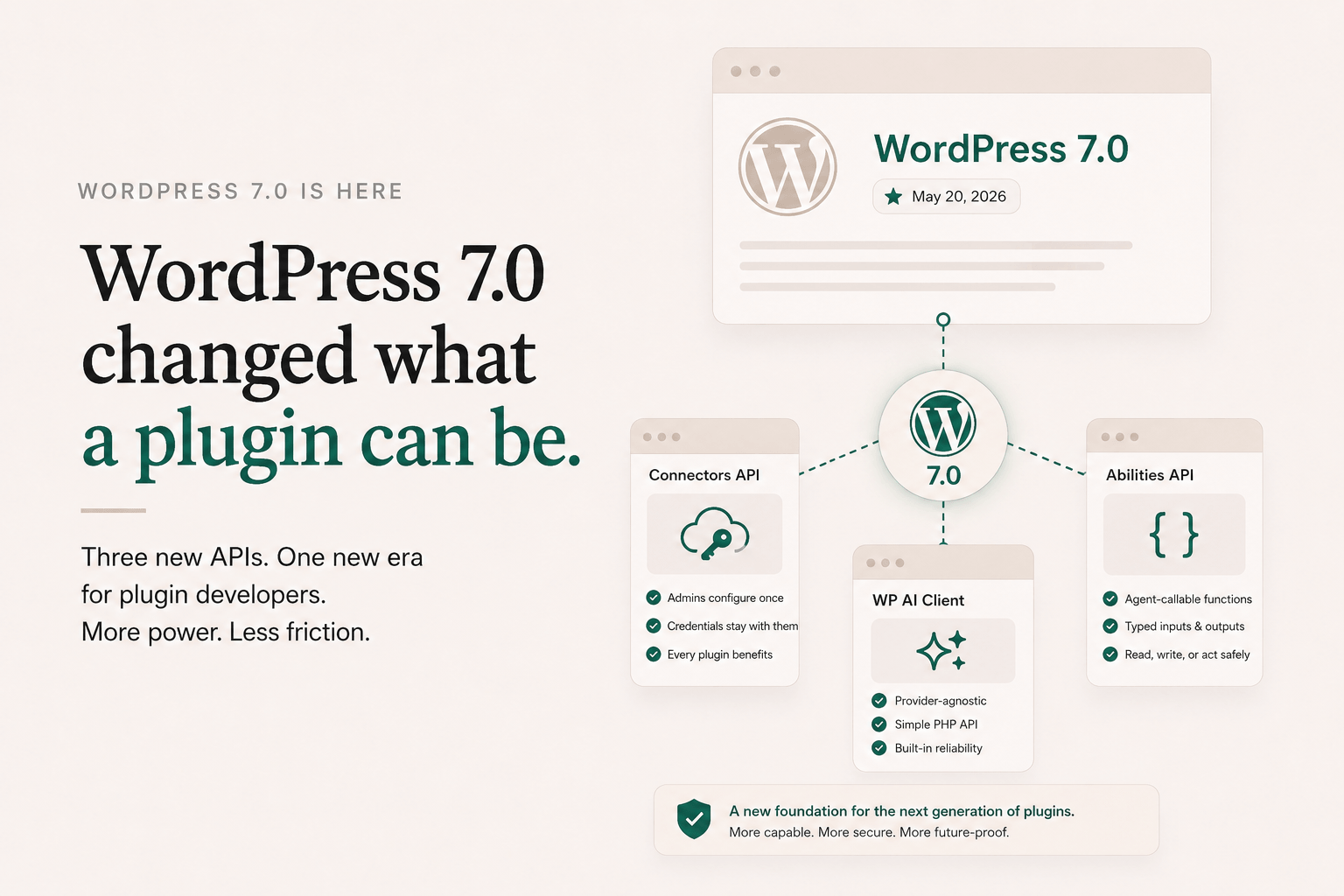
WordPress 7.0 changed what a plugin can be
Read post →WordPress 7.0 shipped on May 20, 2026. Most of the release notes coverage focused on Site Editor improvements and the usual block-editor refinements. The actually load-bearing changes were three APIs that, taken together, rewrite what a WordPress plugin is allowed to assume. I want to walk through them, because the plugin I run is built […]
-
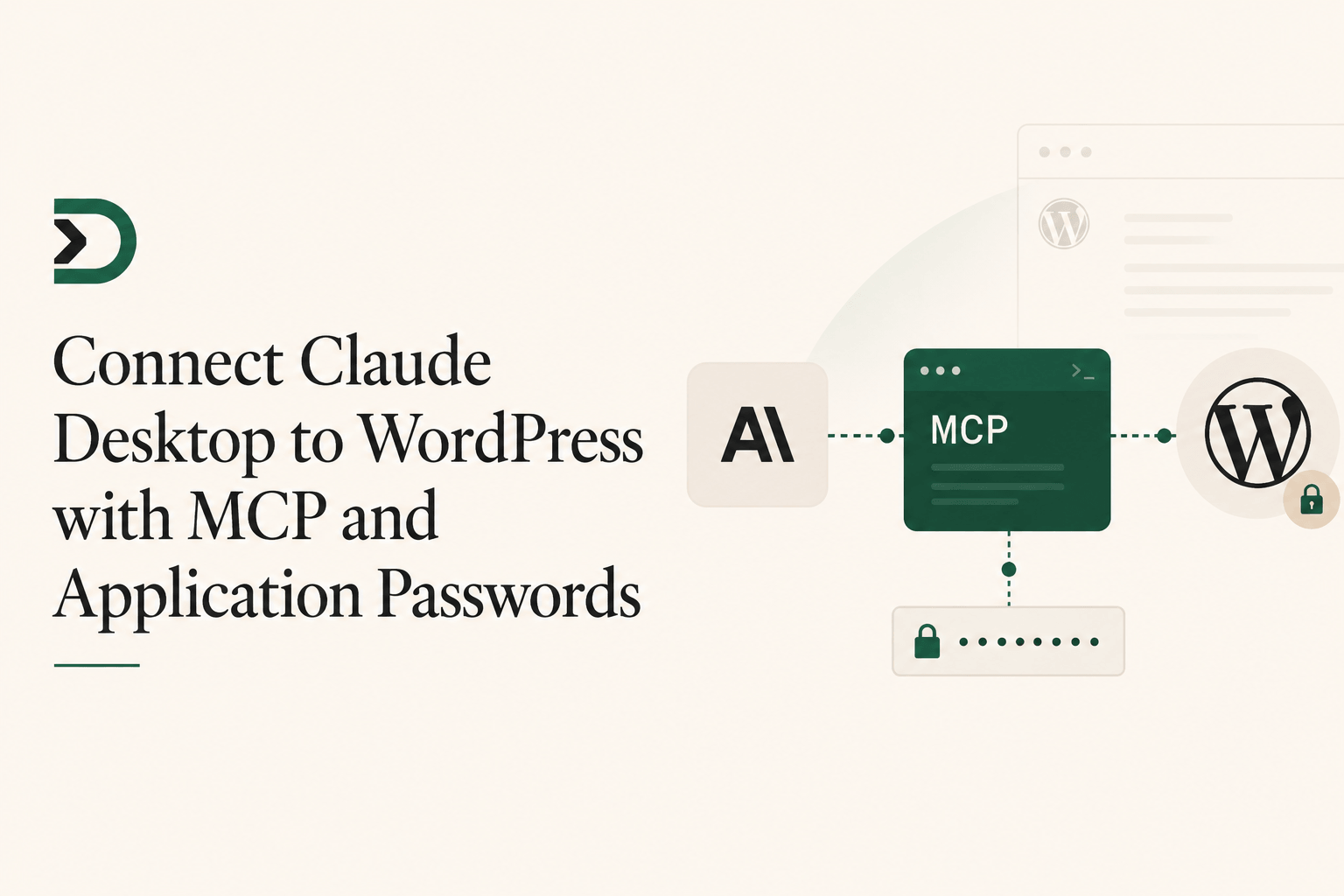
Connect Claude Desktop to WordPress with MCP and Application Passwords
Read post →There are two pieces people accidentally collapse into one: Those are not competing options. You do not really connect Claude Desktop to WordPress “via MCP or via an app password.” The useful setup is: Claude Desktop talks to a local MCP server, and that MCP server talks to WordPress over HTTPS using an Application Password. […]
-
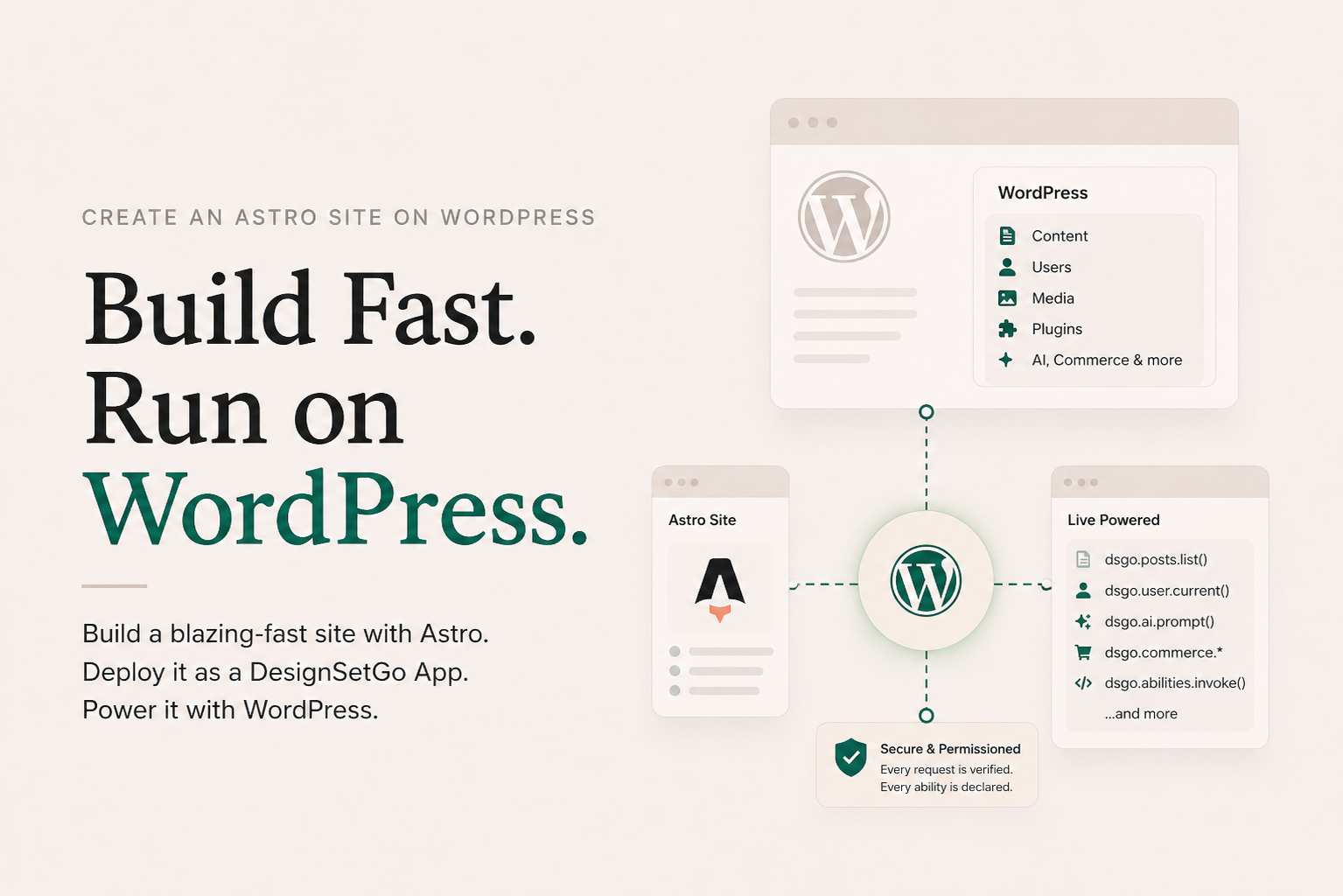
Create an Astro site on WordPress in 12 minutes (Claude Code does the typing)
Read post →Astro for the front-end you actually want to build. WordPress underneath as the CMS, the auth layer, the AI provider, the commerce engine, the file store. Same domain, one deploy, no rewrites.
-
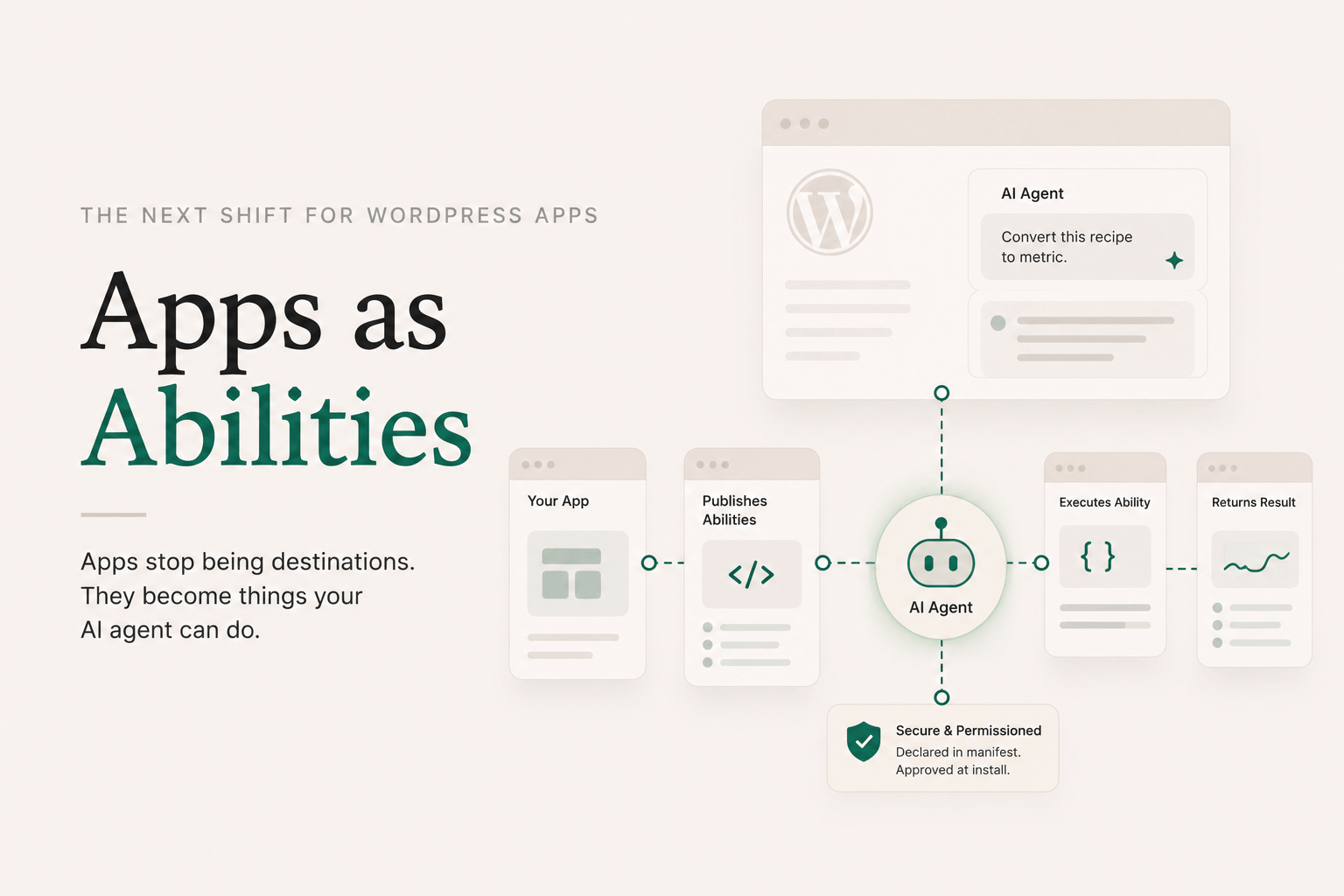
Apps as Abilities
Read post →I want to talk about the part of DesignSetGo Apps that I think is the most underrated, because it took me a while to fully see it myself. WordPress 7.0 (May 2026) brought three pieces together: the Connectors API (one place to configure your AI provider), the WP AI Client (a provider-agnostic PHP API for calling the model), and […]