
Blog
Field notes from building DesignSetGo Apps.
Page 5 of 7. Design rationale, release notes, and the occasional aside.
-

Ship 30 WordPress apps a week from CI with one CLI command
Read post →wp dsgo harness generate is the headless surface for the harness. Generate bundles from prompts in CI or scripted workflows, then deploy them with the JS CLI.
-
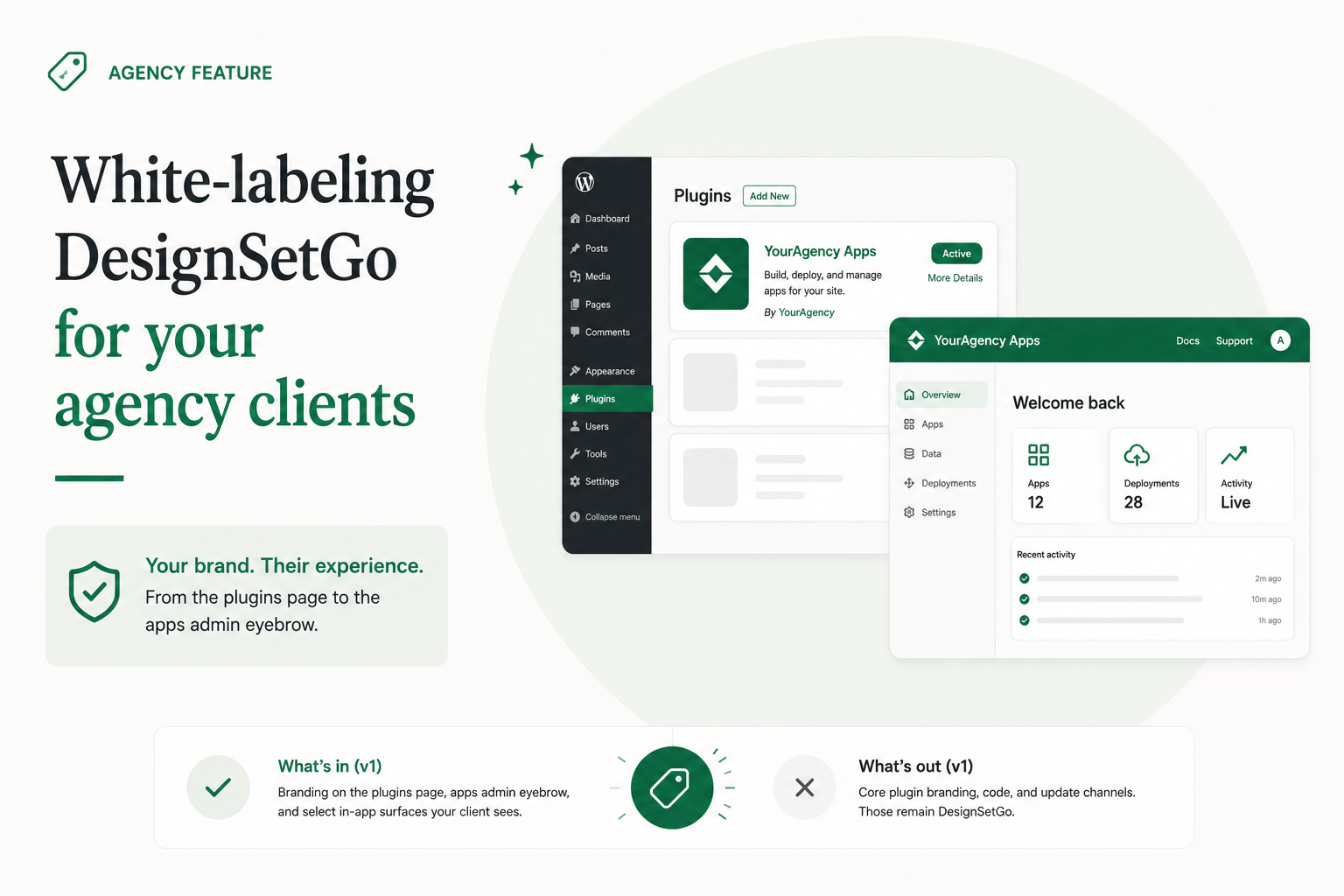
White-labeling DesignSetGo for your agency clients
Read post →The Agency-tier feature that matters specifically to P3. Your client sees your brand on the plugins page and the apps admin eyebrow. Here’s what the v1 surface actually covers, and what we deliberately kept out.
-

The GitHub Action: continuous deploy from your repo
Read post →Push to main, the app deploys. DesignSetGo/deploy-action wraps the CLI’s apps deploy with a thin YAML shim, which is the right shape for agencies running multiple client sites.
-

Dynamic routes: one HTML file, every post on your site
Read post →Built-in dataset sources (wp:posts, wp:pages, wp:cpt, wc:products) plus custom resolvers turn a single template into a route family that spans your whole site.
-

Apps as Abilities deep dive: building a real-estate vertical pack
Read post →The earlier post explained the publish-side abilities surface in the abstract. This one walks through ten apps for a real-estate site, each publishing two or three abilities, that turn the site’s AI agent into a vertical-aware assistant.
-

DesignSetGo vs headless WordPress
Read post →Headless WordPress assumes the right answer is to put a wall between the front-end and WordPress, then build a glue layer to span it. DSGo says: don’t put up the wall.
-

Why we don’t hold your API keys (and why every other AI WordPress plugin should worry about that)
Read post →WordPress 7.0’s Connectors API made BYOK-through-proxy structurally unnecessary. The plugins that didn’t notice are about to find out their margins were illusory and their compliance was hand-waved.
-
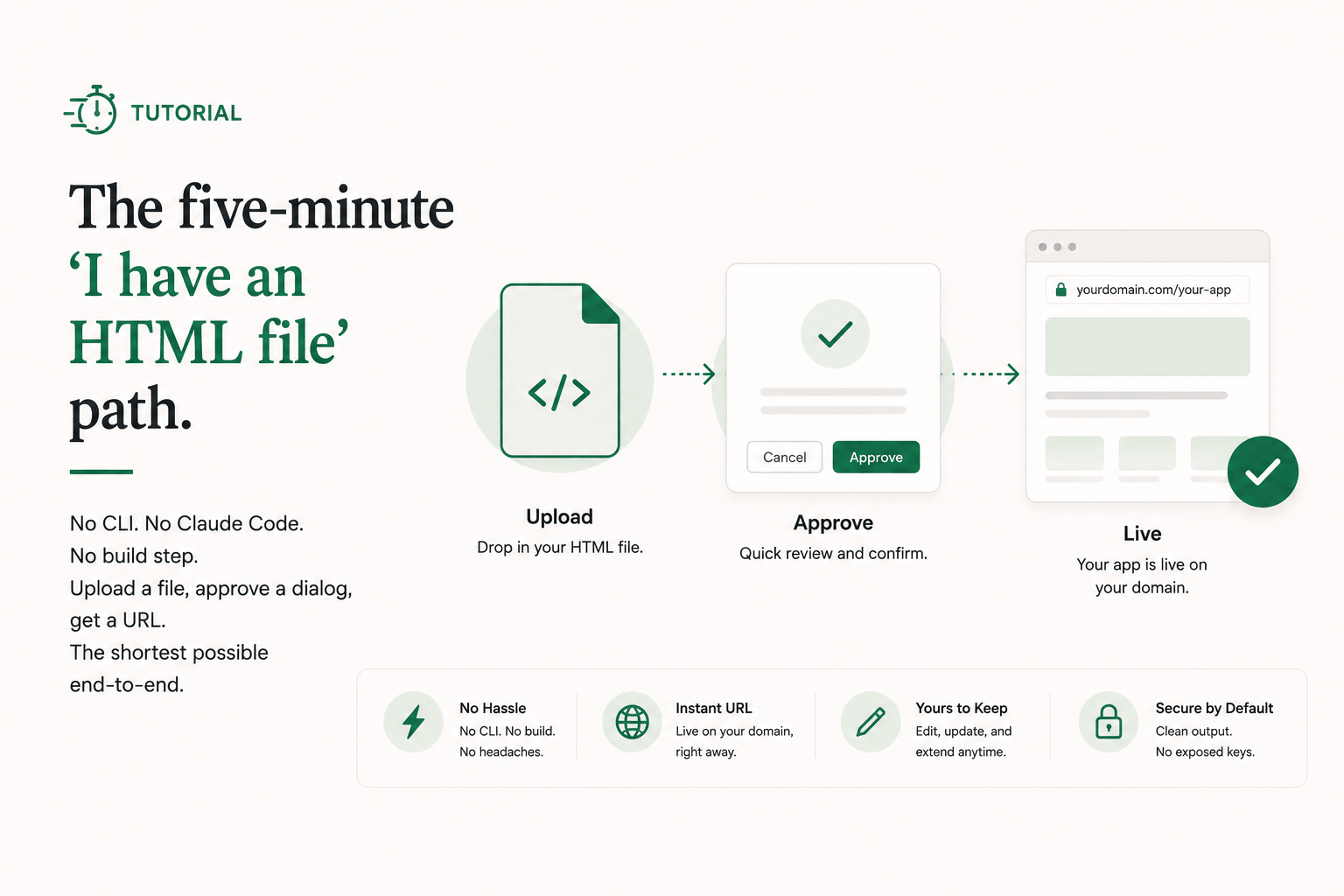
How to put an AI-built app on your WordPress site (no code, no CLI, 5 minutes)
Read post →No CLI. No Claude Code. No build step. Upload a file, approve a dialog, get a URL. The shortest possible end-to-end.
-
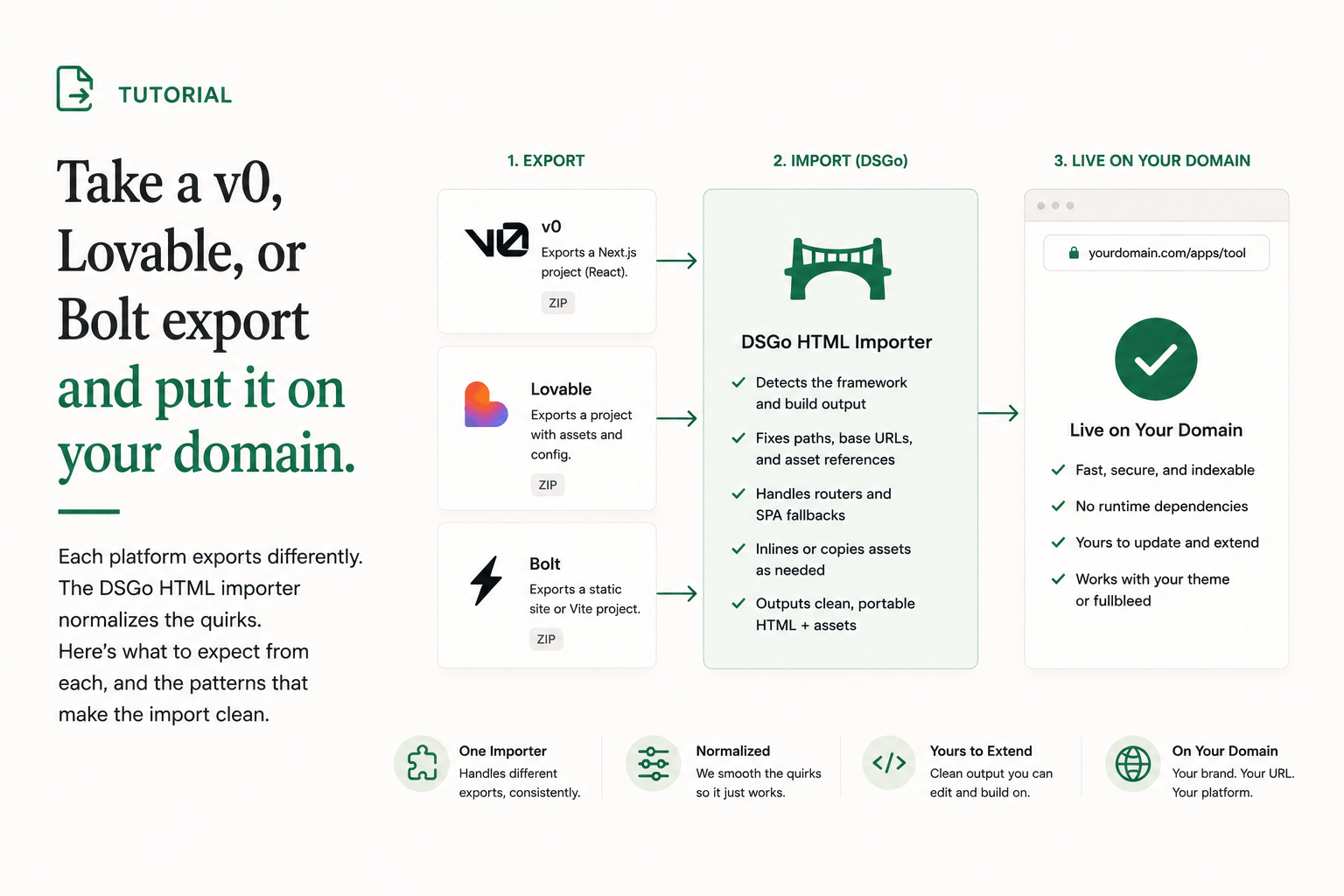
Take a v0, Lovable, or Bolt export and put it on your domain
Read post →Each platform exports differently. The DSGo HTML importer normalizes the quirks. Here’s what to expect from each, and the patterns that make the import clean.
-
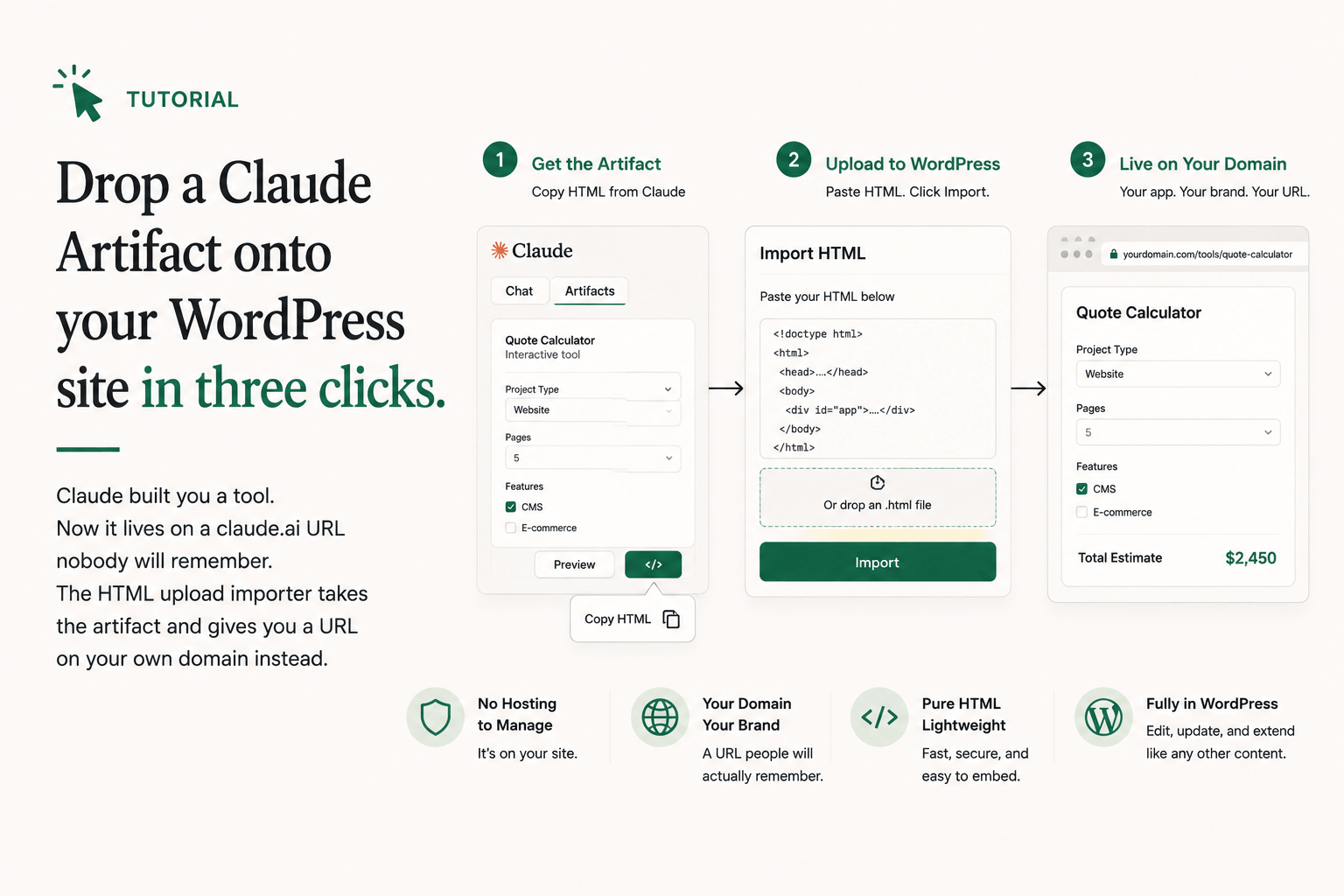
Drop a Claude Artifact onto your WordPress site in three clicks
Read post →Claude built you a tool. Now it lives on a claude.ai URL nobody will remember. The HTML upload importer takes the artifact and gives you a URL on your own domain instead.
-

Build a pricing page with WP-backed plan data
Read post →An inline-mode example. Real HTML at the URL, theme-wrapped or fullbleed, indexable by Google. Start static; layer in WP-backed plan rows when marketing wants to change copy without a redeploy.
-

Build an AI content companion that writes posts in your site’s voice
Read post →An admin-mode app that reads the post being edited, asks the site’s AI Connector for clarity and SEO improvements, and publishes its own ability the site’s agent can chain into.