
Blog /
The agency client portal, in one weekend: a retro
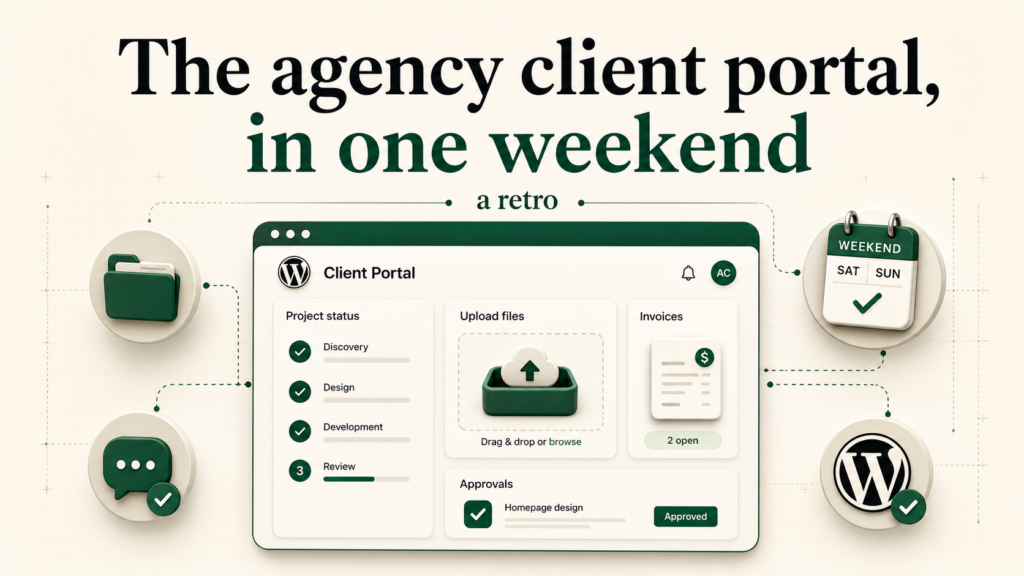
Yesterday I shipped Build an agency client dashboard once and ship it to every WordPress site. It walks the whole thing end to end: scaffold the static dashboard, wire it to the bridge for auth and per-client data, deploy the same bundle to every client’s WordPress with one command.
I wrote that post in a single sitting on Friday afternoon and pushed it Saturday morning. This is the retro. What surprised me, what I cut, and one thing I would tell a freelancer reading the tutorial cold.
Three things that worked
The single-bundle, multi-site model is the whole pitch. Every other approach I have tried for “give every client their own dashboard” eventually hits the same wall: the client’s site diverges from the template, you stop being able to push updates, and within six months you have N copies of the dashboard with subtle differences. The DesignSetGo approach treats the bundle as immutable and the site as the place state lives. The client’s data is in their WordPress. The bundle has zero per-client config. The CLI just installs the same bundle on every site. Two months from now I can ship a new version to all of them in one command and nothing will have diverged because there was nothing to diverge.
Inheriting WordPress auth means the post stops talking about auth. I went into the writeup expecting a section on “how to handle login.” There is no such section. The dashboard runs in an iframe at /apps/client-portal/. The visitor’s WordPress cookie is already in flight. The bridge surfaces dsgo.user.current() and you know who is looking at the screen. That is the entire auth story. I cut three paragraphs that turned out to be explaining a thing the runtime had already done.
dsgo.media.upload() plus dsgo.posts.list({ author: me.id }) is enough. Those are the two bridge calls that carry the dashboard. One lets the client drop a file back to my media library. The other lets me publish status updates as posts and have them appear, per-client, on the right dashboard. No custom database table, no custom REST endpoint, no plugin. The whole “data model” is two WordPress primitives the site already has.
Two things I cut
The “agency branded” wrapper. The original draft had a section on white-labeling the install dialog and the admin pages so the client sees the agency’s logo instead of DesignSetGo’s. I cut it. White-label is a Pro feature, the post was already a long tutorial, and that detail would have made the install dialog screenshot look weird (which is the install dialog every reader actually has). It will be its own post in a few weeks (scheduled for the freelancer-week slot).
The “what if the client wants to edit their own status updates” beat. This is a real question and the answer is dsgo.user.can('edit_posts') plus a manifest with permissions.write: ['posts']. But v1 of DesignSetGo Apps is read-only on the write APIs. There is a Pro path for limited writes, but it is not the headline. Putting it in yesterday’s post would have muddled the wedge (“sandboxed AND read-only is the safety story”) so I cut it. Tomorrow’s post (dsgo.user.can() deep dive) takes one half of this beat; the other half lives in docs/wp-7-strategy.md for now.
One thing I would tell a freelancer reading cold
The post reads like a tutorial. It is actually a sales document. The freelancer reading it for the first time is not learning to write JavaScript. They are learning that the deliverable they have been quoting for $1,200 over four weeks can be quoted for $1,200 over a weekend, and the maintenance contract that goes on top of it does not require touching every client site by hand.
If you are reading the tutorial cold, do not ship the example unchanged. Ship the delivery model. The dashboard you build for client A is the same one you ship to client B with one CLI flag. The retainer is the update channel: every time you cut a new version of the bundle, you push it to all of them, and the agency stops being “the team that maintains 30 sites by hand” and starts being “the team that maintains one app that runs on 30 sites.” That is the part of yesterday’s post worth printing out.
What is next
This week is daily-cadence on designsetgo.dev. Tomorrow’s post is the concept reset: “The four boring parts of WordPress your vibe-coded app secretly needs”. Wednesday is a vertical tutorial. The full 30-day calendar is in the repo at blog/CONTENT-CALENDAR-30-DAY.md.
If you build the agency portal from yesterday’s tutorial, send me a link. I want to see what you ship.