If you’re going to let an AI write code that lives on your WordPress site, you should know exactly what that code can and can’t do. “Trust me, the model’s pretty good these days” is not an answer.
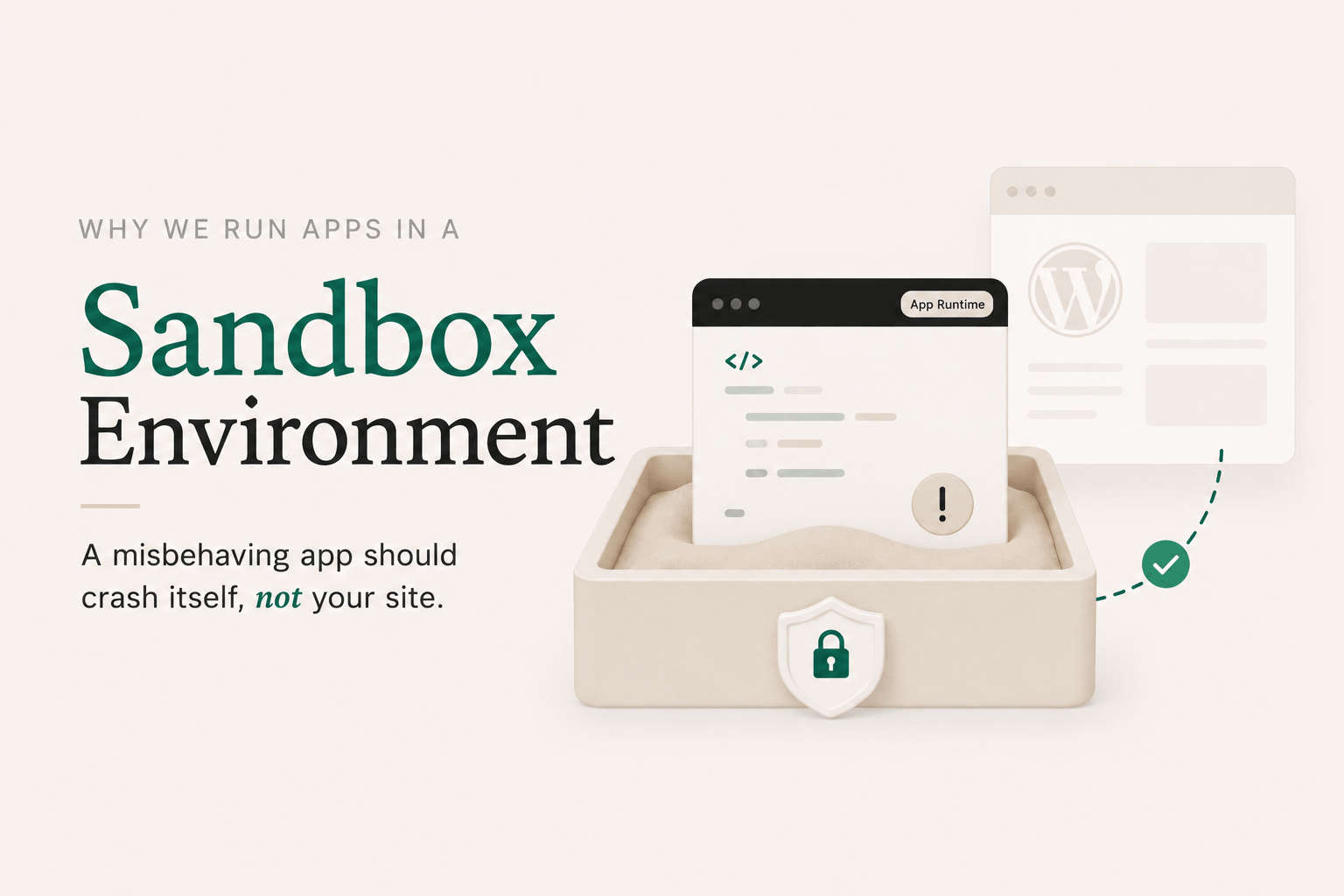
DesignSetGo Apps was designed around a simple principle: a misbehaving app should crash itself, not your site. Here’s how the runtime enforces that.
The runtime model
Every DSGo App runs inside a sandboxed <iframe> with sandbox="allow-scripts" and a strict Content Security Policy. The iframe is served from your domain, but the browser treats it as an isolated context. That means an app can’t:
- Read or modify the parent page’s DOM (your wp-admin, your theme, your other plugins)
- Read cookies or
localStoragebelonging to your site - Make arbitrary network requests; the CSP whitelists only what the manifest declared
- Spawn popups, navigate the parent frame, or load plugins
- Touch your file system, your database, or any server-side state directly
If an app gets stuck in an infinite loop, throws unhandled errors, or tries to mine cryptocurrency, the only thing affected is that app’s iframe. The rest of your site keeps working. Close the tab and the problem’s gone.
The bridge: explicit permissions, not ambient access
Sandboxing alone would make apps safe but useless. The whole point is that apps should be able to do things: list your posts, look up the current user, save preferences. So we built a postMessage-based bridge between the iframe and the parent page.
It works like a browser extension. Each app ships with a dsgo-app.json manifest declaring which read scopes it needs:
{
  "manifest_version": 1,
  "name": "Post Index",
  "permissions": {
    "read": ["posts", "user"],
    "write": []
  }
}
Each scope unlocks a specific set of bridge methods. posts covers dsgo.posts.list() and dsgo.posts.get(), user covers dsgo.user.current() and dsgo.user.can(), and so on. When you install the app, you see those scopes. You approve them (or you don’t). At runtime, if the app calls a method whose scope isn’t in the manifest, the parent hard-fails the request with a permission error. There’s no implicit access.
In v1, permissions.write must be empty. The bridge is read-only. Write access is reserved for a later version because it’s a different trust conversation, and we’d rather ship a tight v1 than a permissive one.
Every method is documented, every error code is documented, every permission scope is named. If you want to know exactly what an app can reach, you read its manifest. No surprises.
What’s NOT in v1
A couple of things deliberately aren’t here yet, because they expand the trust surface:
- Arbitrary outbound HTTP. Apps can use the AI bridge (
dsgo.ai.prompt) to invoke the model your site is connected to via the WordPress 7.0 Connectors API, but they can’t make rawfetch()calls to wherever they want. Each app’s manifest declares an explicitruntime.external_originsallowlist (full HTTPS origins, no wildcards), and the CSP enforces it. If an app needs to talk to an external service, it goes through a declared, reviewable path. - Server-side execution. Apps are static bundles. Nothing in an app runs on your server. Your server-side blast radius is zero.
Defense in depth
Sandboxing the iframe is the first layer. Permission-gating the bridge is the second. There are a few more:
- Manifest validation on install. Bundles get parsed, permissions get checked against the v1 schema, anything malformed gets rejected before it ever lands on your site.
- Nonce-authenticated bridge requests. Each session gets a fresh nonce. Replay attacks against the bridge don’t work.
- Capability checks on every call. Even with a permission granted, the parent enforces the underlying WordPress capability. An app with
posts.listcan’t see drafts the current user wouldn’t see anyway. - No ambient credentials. Apps don’t get your API keys, don’t get your application passwords, don’t get your session token. They get a scoped bridge and that’s it.
The plain-English version
You can install an app written by an AI you don’t fully trust, generated from a prompt you didn’t sweat over, deployed by a teammate you barely supervised, and the worst case is the app doesn’t work and you delete it. Your site stays up. Your data stays put. Your other plugins don’t notice anything happened.
That’s the bar. Everything else is implementation detail.
For the full normative specs, see the manifest reference and the bridge API reference. Both are frozen at v1, with additive-only changes going forward.
Leave a Reply