Blog ·
Building a WordPress App with Claude Code
This is the local-to-WordPress workflow end to end. By the time you’re done, you’ll have a real app running at https://yoursite.com/apps/your-slug, built in Claude Code, with no clicking around in wp-admin.
You’ll need: Node 20+, a WordPress site with the DesignSetGo Apps plugin installed and activated, an application password for that site, and Claude Code (or any agent; the workflow is the same).
1. Scaffold the project
npx designsetgo apps init my-first-app
cd my-first-app
apps init creates a starter project with:
- A
dsgo-app.jsonmanifest with sensible defaults - A typed bridge client (
@designsetgo/app-client) already wired up - A minimal
index.htmlthat proves the bridge works - A
CLAUDE.mdthat teaches the agent your manifest format, the bridge API surface, and the constraints of the sandboxed runtime
That last file is the unlock. It means when you start a Claude Code session in this directory, the agent already knows what it’s allowed to call, what permissions to declare, and what shape the manifest takes. You don’t have to explain it.
2. Authenticate the CLI
npx designsetgo apps login --site https://yoursite.com
You’ll be prompted for your WordPress username and an application password (generate one in Users → Profile → Application Passwords in wp-admin). Credentials get stored at ~/.config/designsetgo/credentials.json, keyed by site URL. For CI, set DSGO_USER and DSGO_APP_PASSWORD instead and skip the login step.
3. Open Claude Code and describe what you want
claude
Once you’re in a session, just ask. Something like:
Build me a tool that lists my five most recent published posts in a clean card layout, with the title, date, and excerpt. Use the bridge client.
Claude reads CLAUDE.md, sees the bridge methods, sees the manifest format, and writes the app. It’ll know to:
- Add
"posts"to the manifest’spermissions.readarray - Import the bridge client and call
dsgo.posts.list({ per_page: 5 })afterawait dsgo.ready - Render the response into your HTML
If you’ve used Claude Code on a typical project, the difference here is how little hand-holding it needs. The starter and the CLAUDE.md give it everything: typed APIs, runnable dev loop, clear constraints. That’s exactly the environment Claude Code is best in.
4. Iterate locally
The starter is an Astro project, so:
npm run dev
…spins up the standard Astro dev server for editing layout, copy, and any non-bridge UI. Bridge calls won’t connect locally (the bridge only exists when your bundle is rendered inside the WordPress runtime), so plan to deploy early and iterate against the real site. Deploys are fast.
5. Deploy
When the app does what you want:
npx designsetgo apps deploy --build
--build runs npm run build first so Astro produces a static dist/, then the CLI zips that, validates the manifest, posts the bundle to your site’s REST endpoint, and prints the URL. Open https://yoursite.com/apps/my-first-app and the app’s live.
That’s it. No Vercel, no Netlify, no DNS, no separate auth. Your WordPress site is the deploy target.
6. List, update, ship again
npx designsetgo apps list             # see what's installed
npx designsetgo apps deploy --build   # updates the existing app at the same slug
Deploys are idempotent: same slug, same URL, new bundle. You can iterate freely without polluting your site with abandoned apps.
What this unlocks
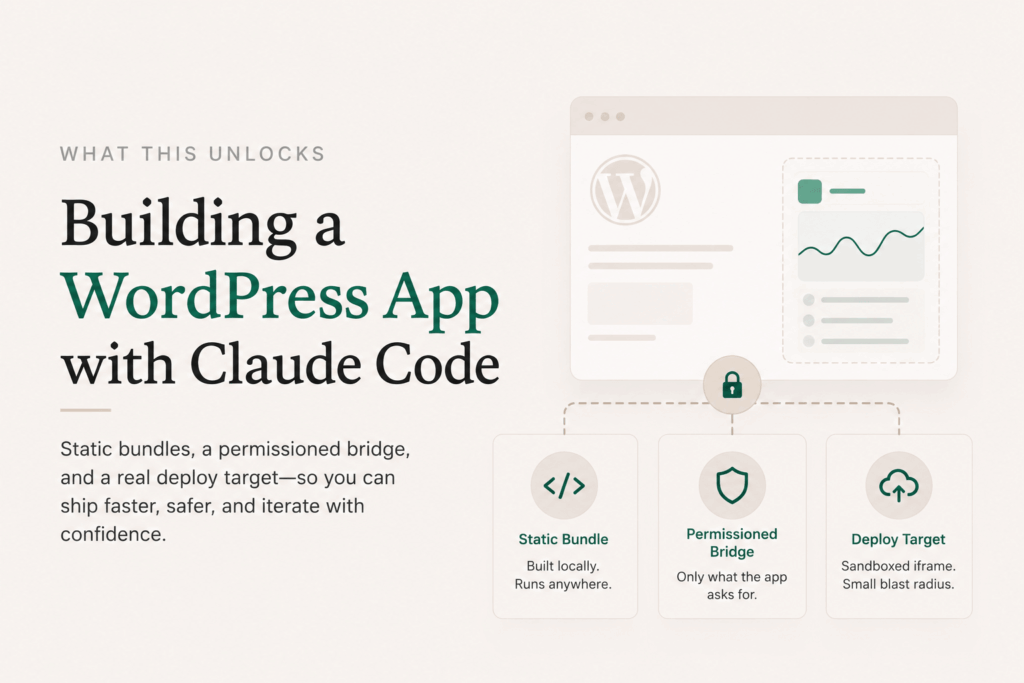
The reason this workflow matters isn’t the 15 minutes. It’s that the same runtime that ran the bundle you built locally is the runtime your client’s site has. You’re not “publishing to production” in the dramatic sense. You’re just putting a static bundle inside a sandboxed iframe on someone’s WordPress site. The blast radius is one app’s iframe.
That changes how you think about shipping. Worth getting wrong? Sure, ship it, iterate. Worth handing to a non-technical site owner? Sure, the manifest tells them exactly what permissions it asked for. Worth letting Claude Code build five variants and picking the best one? Sure, deploy each to a different slug.
Static bundles plus a permissioned bridge plus a real deploy target turns out to be a surprisingly powerful surface.
Where to go next
- The manifest reference for the full
dsgo-app.jsonschema - The bridge API reference for every bridge method
- The next post in this series covers Apps as Abilities: how the app you just built can publish functions your site’s AI agent can invoke